Making a change to your subs contribution
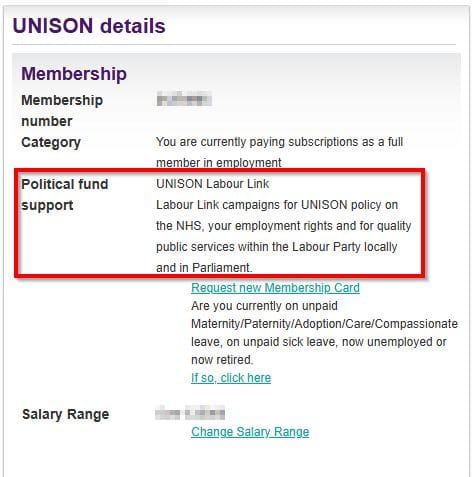
What is UNISON Labour Link?
By default, some of your monthly UNISON subsidies go to the Labour party through a ‘Labour Link’ contribution. This political fund takes the union’s campaign objectives into the Labour party and supports members to become MPs and councillors.
You have to explicitly opt out of this contribution.
More information: UNISON Labour Link | Political affiliations and support | UNISON National
You can also opt in to support the Campaign Fund. This is separate from the Labour Link and is not affiliated with any political party, rather local campaigns.
More information: The Campaigning fund | Political affiliations and support | UNISON National
Why might I want to opt out?
Many members believe the Labour Party no longer reflects what UNISON stands for. Starmer has firmly turned his back on the LGBTQ+ community, and continues to demonize migrants and disabled people.
How can I change my Political fund support?
If you are a member and and an employee of The University of Bristol, The University of Law, or Bristol SU, use this form to send us a request to update your political fund contribution.
How can I check where my money is currently going?
1. Login to My UNISON at https://my.unison.org.uk/
Your membership number is included at the end of every email from central UNISON and our UNISON branch.
If you can’t log in, you might need to register for an account first.
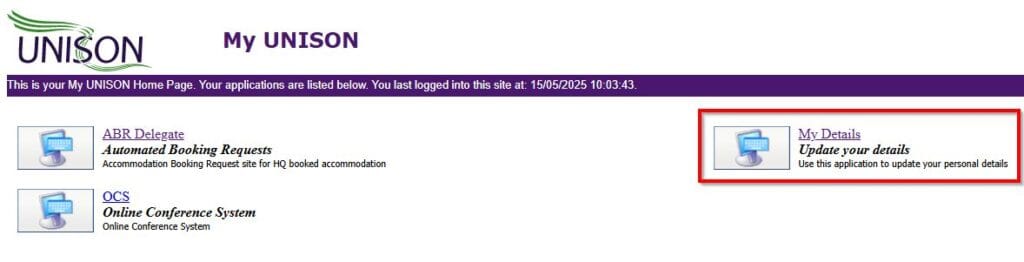
2. Select ‘My Details’
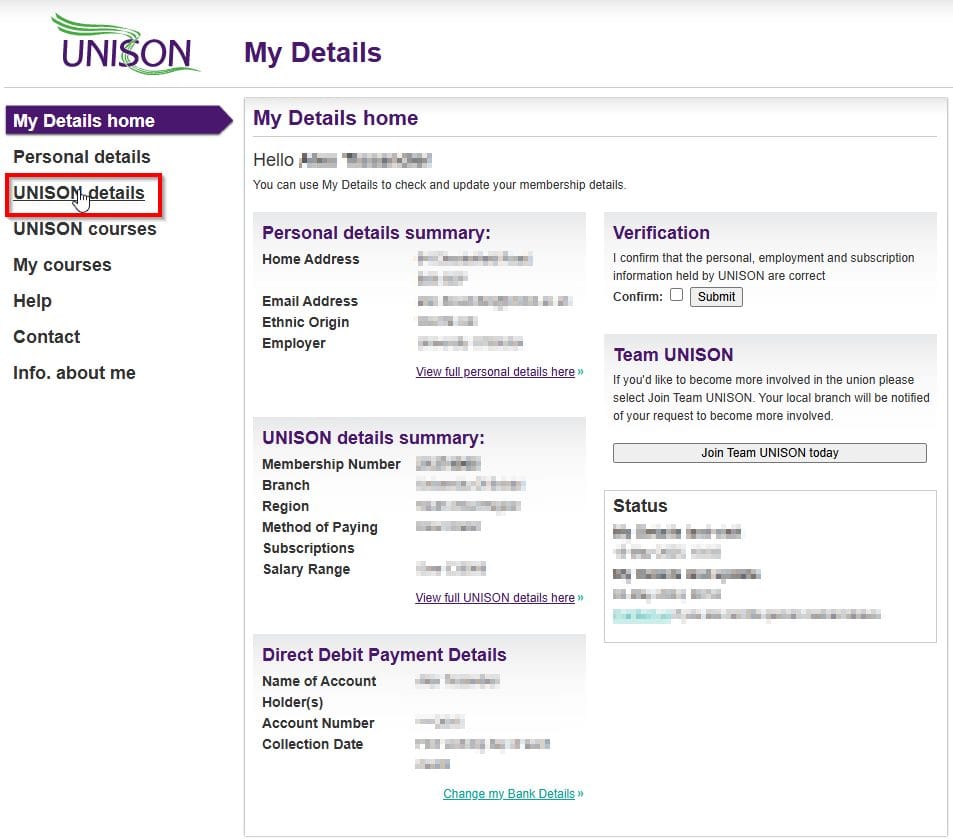
3. Select ‘UNISON details’ on the left hand side
4. Here you can see which political fund you are currently paying into: